TYPE-02
On iPhone, iPad and Mac · Android coming soon
Hear a song or search for one. TYPE-02 tells you what drives it and finds songs built the same way.
Download on the App Store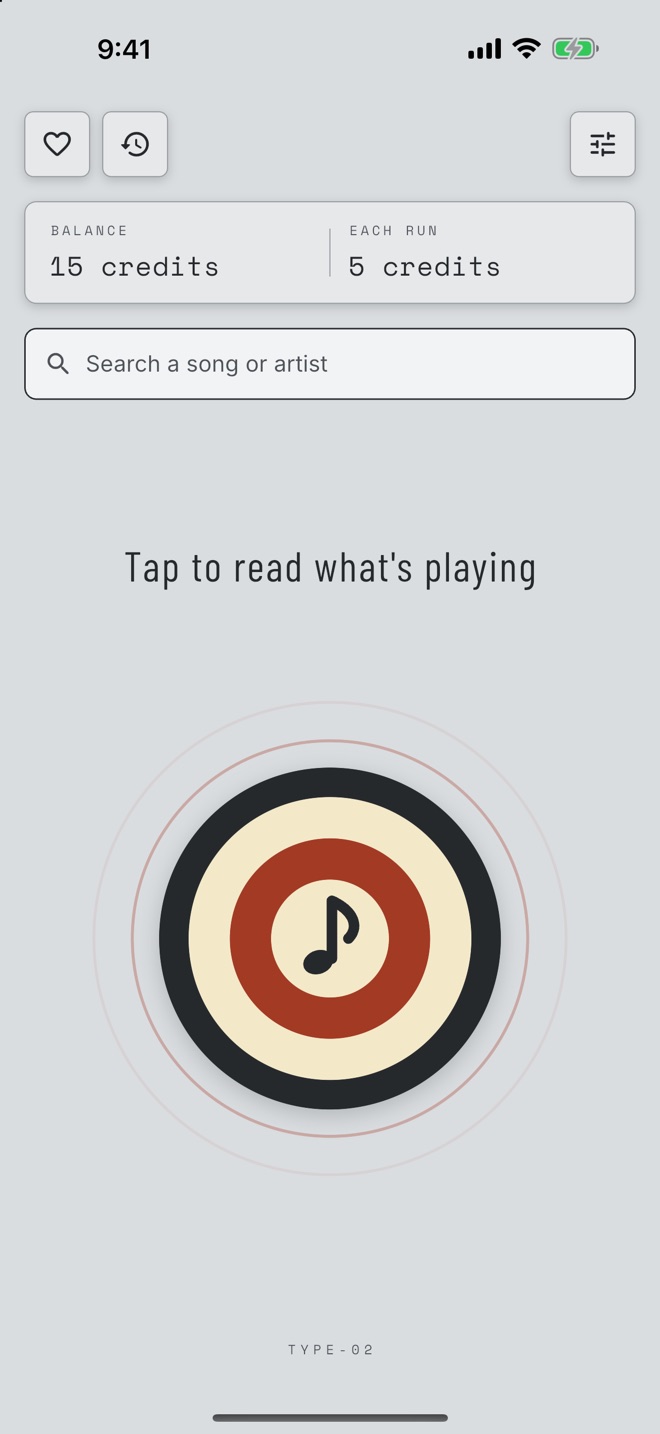
Catch a song
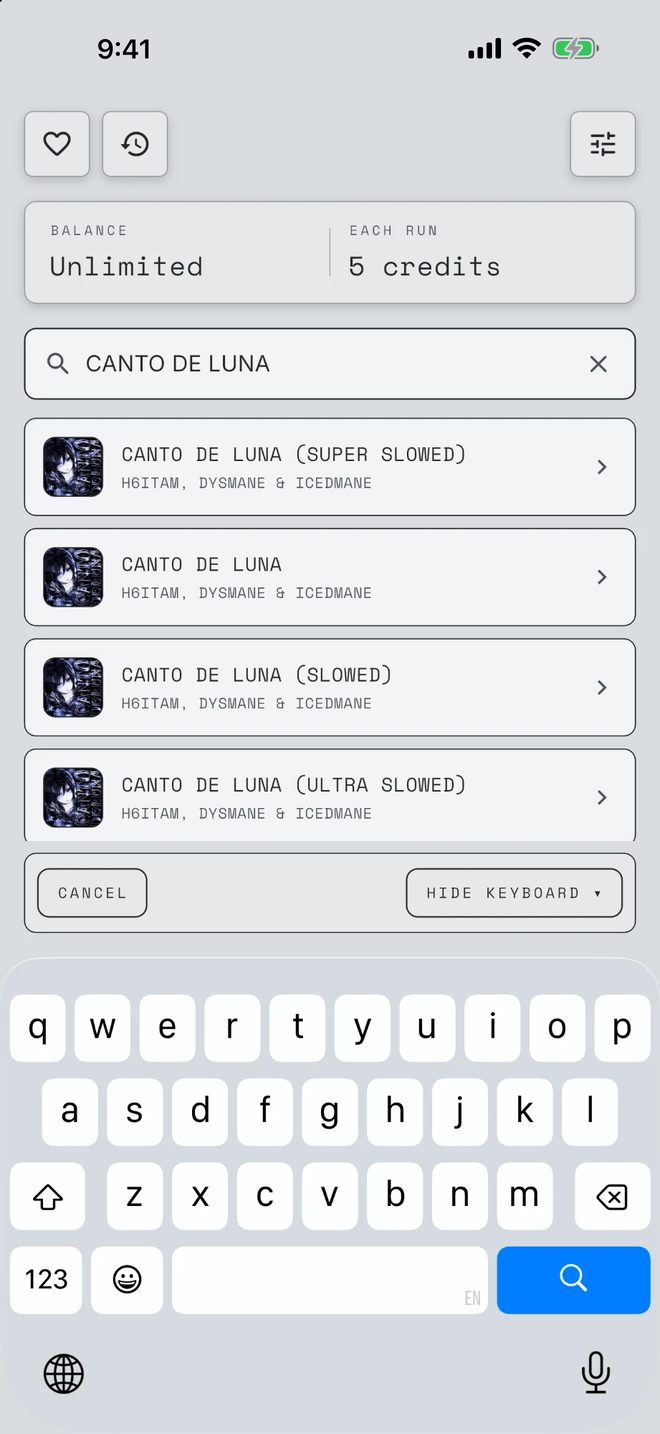
Listen · Search · ReadEverything happens on one screen. Tap the big button and TYPE-02 listens for a few seconds to name the song playing near you. Or type a song or artist into the search bar and pick it from the results.
Either way, TYPE-02 starts reading the song right away and opens the result as it comes in. Your balance and what a run costs sit at the top, so you know before you tap.
- ListenNames the song playing near you in a few seconds. The sound is never saved.
- SearchFind any song by its title or artist.
- Each runUsually 30 to 60 seconds, one at a time. 5 credits.
Without opening the app
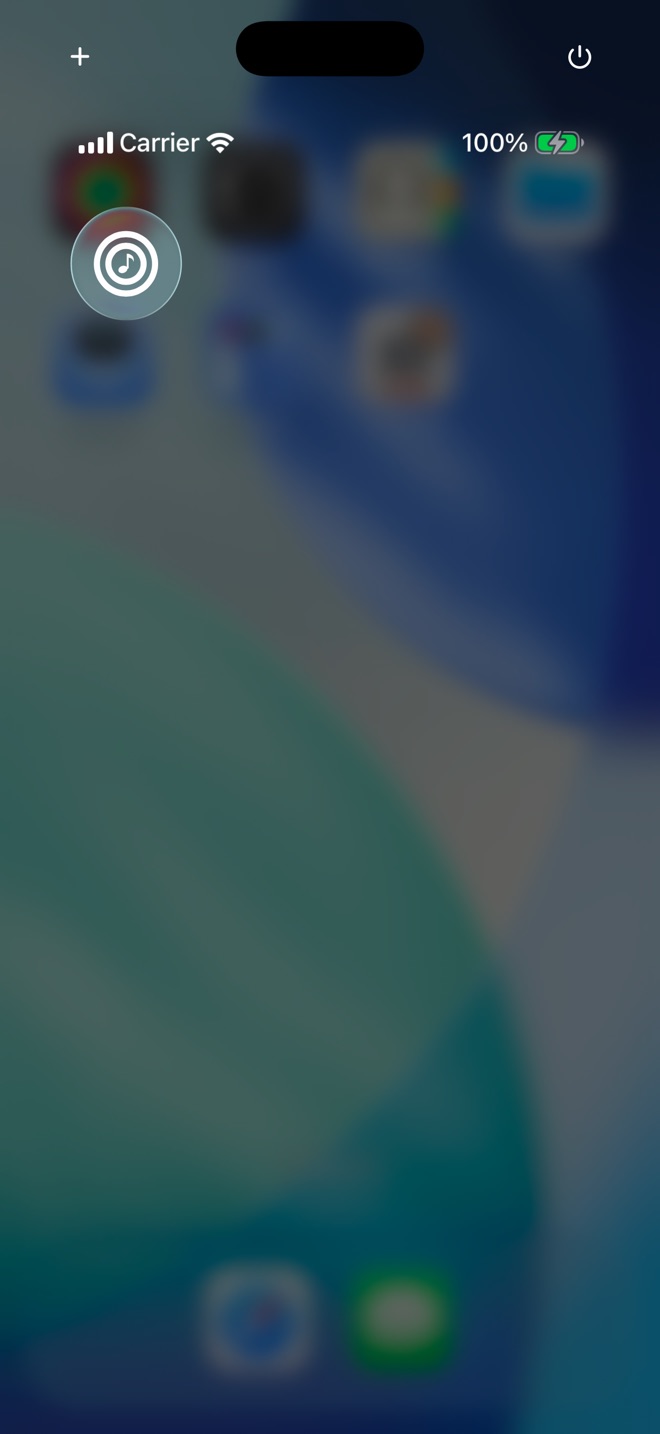
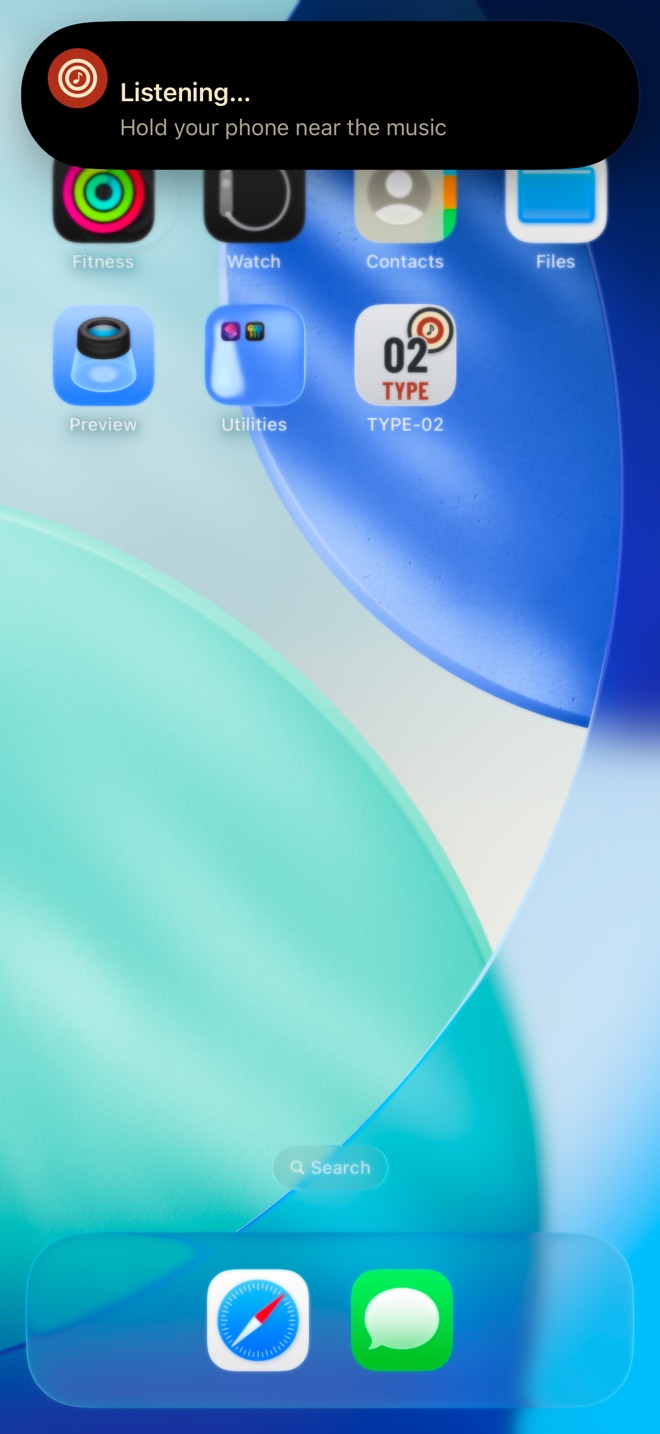
Control Center · Lock ScreenOn iPhone with iOS 18 or later, add the TYPE-02 button to Control Center or the Lock Screen. Tap it from anywhere and TYPE-02 listens without opening.
The top of your screen shows it listening, then the song it found. Tap the song to see what drives it. Tap the button again to stop listening.
Read the result
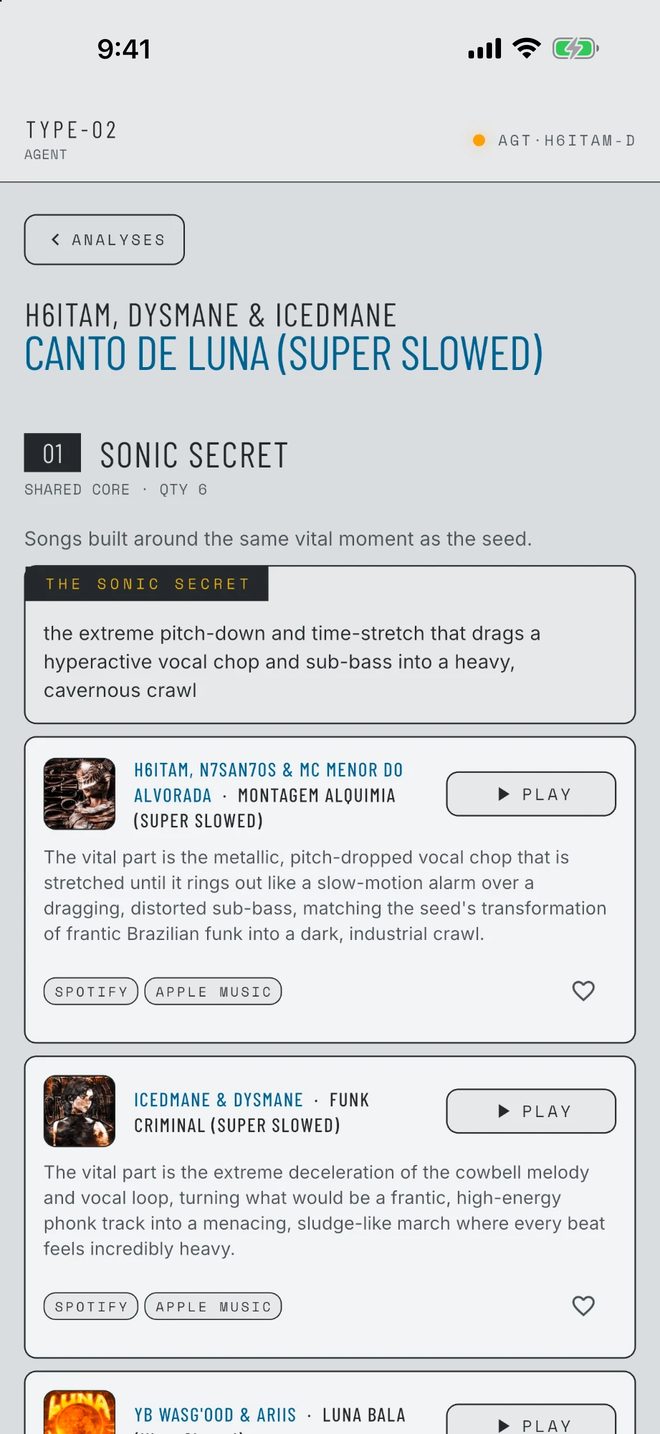
Your song · songs built the same wayA result opens with your song, then songs built the same way, grouped into around ten sets. Each set follows one idea about what makes your song work, like its sound, its mood or the way it builds.
Songs that turned up for more than one idea come first, marked ×2, ×3 and so on. You also get the one moment your song hangs on, with songs built around the same kind of moment.
Every song has a short reason it was picked, a 30-second preview, a heart to save it, and links to Spotify and Apple Music to hear it in full.
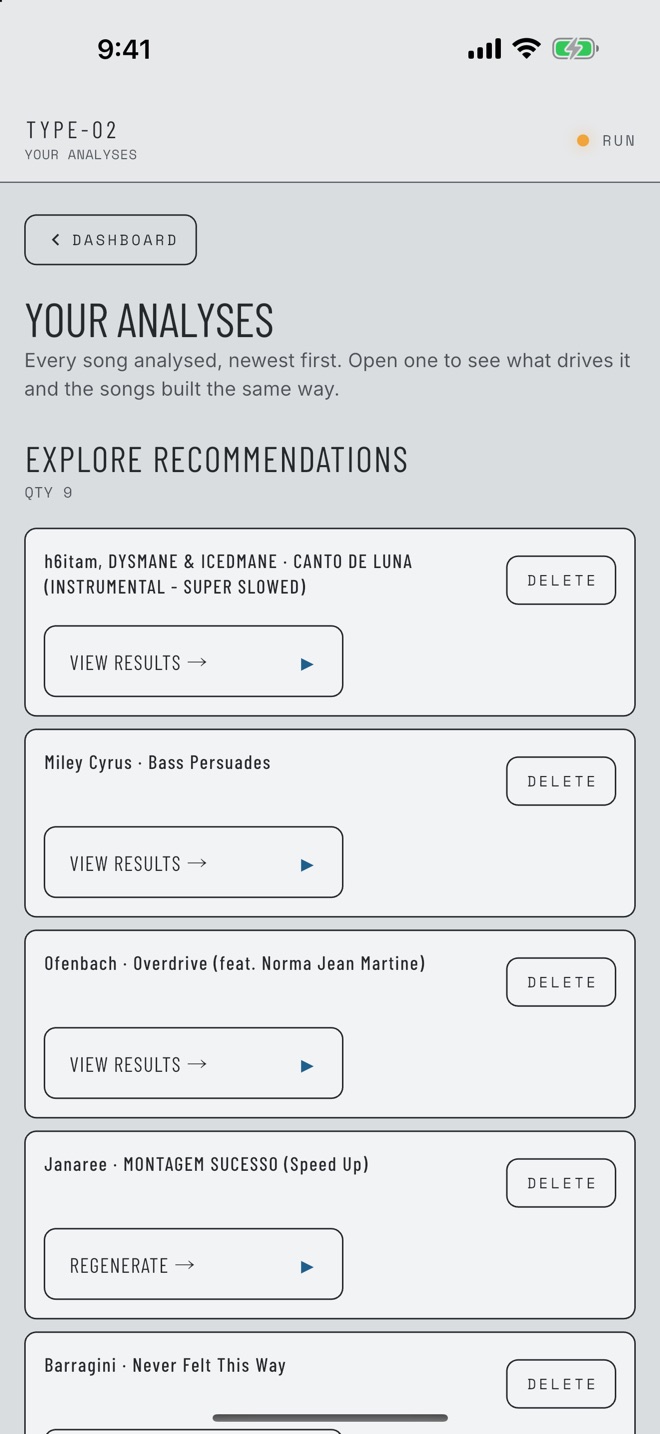
Your analyses
Every song · newest firstEvery song you've read is on one page, one tap from the home screen, finished or still going. Open any of them again, or delete the ones you don't need.
If a run doesn't finish, it says so in plain words and lets you start it again.
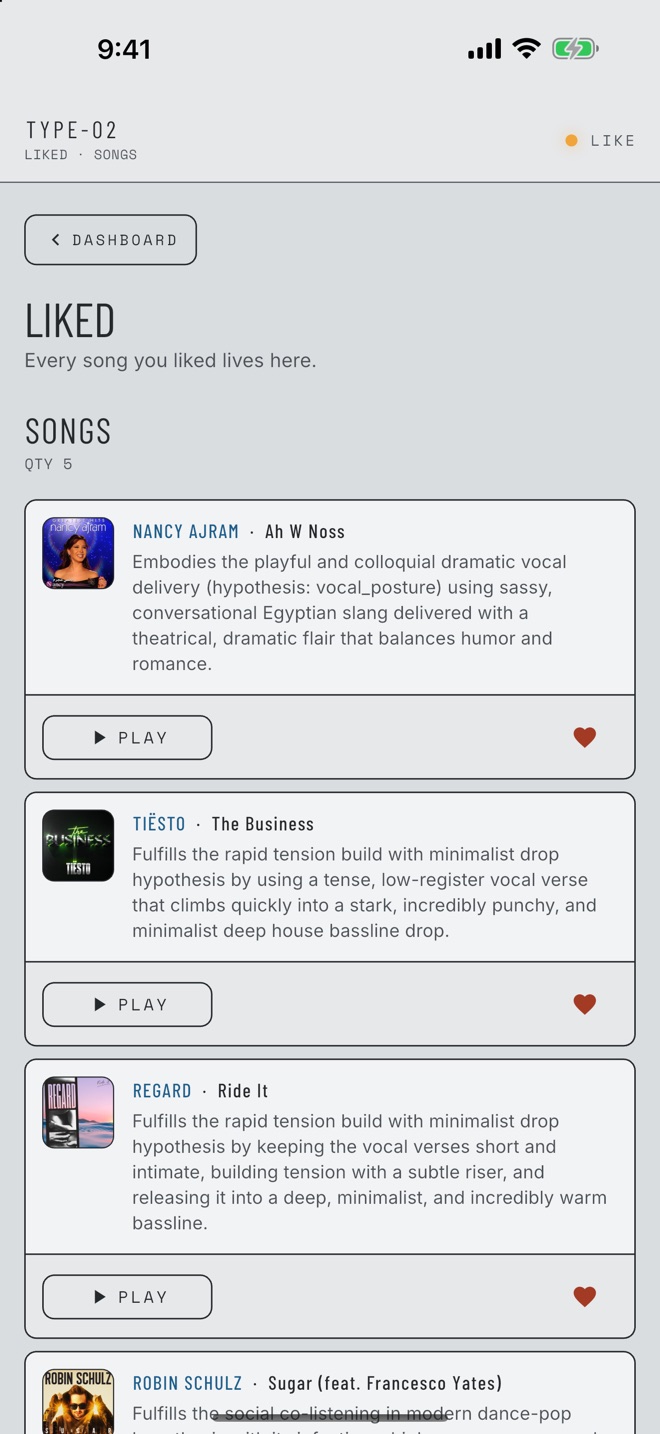
Liked songs
Saved to your accountTap the heart on any song to save it. Your Liked page is one tap from the home screen, with each song's reason and a preview to play.
Liked songs are saved to your account, so they're there on every device you sign in on.
Credits and Type Pro
200 CR / monthA new account starts with 15 free credits. Every run costs 5, and the home screen shows your balance and the cost before you start. A run that can't start isn't charged.
- Each run5 credits
- Type Pro$9.99 a month for 200 credits, enough for 40 runs, refilled every month
Unused credits don't roll over. Type Pro renews through the App Store or Google Play until you cancel, and you can cancel anytime in your store settings.
Account and settings
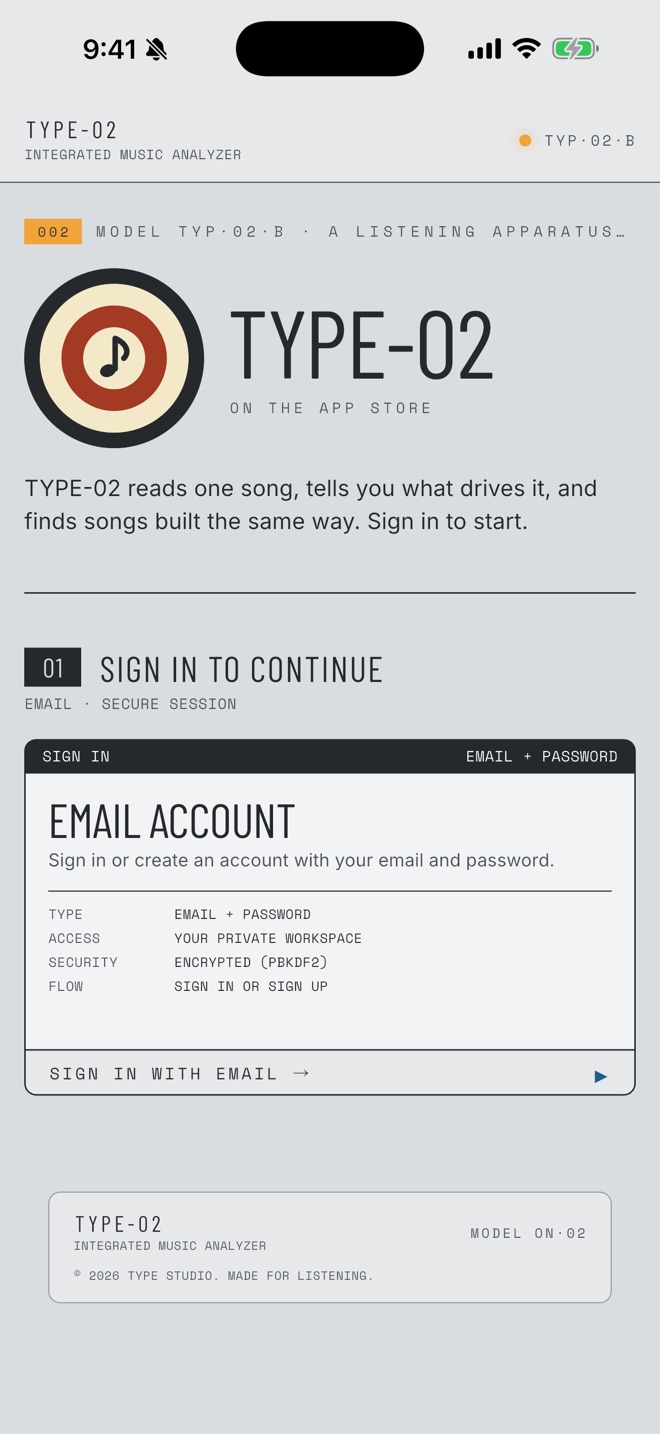
Email · secure sessionSign in with your email and a password. If you already use Type Studio, the same account works here, with the same credits, Type Pro, past runs and Liked songs.
Settings holds your account, email support, the privacy policy, the terms and the FAQ. Manage Account is where you restore a purchase, sign out or delete your account.
Questions
LEG·03Do I need Spotify or Apple Music?
No. Previews play right in TYPE-02, and every song links out to Spotify and Apple Music when you want the full track.
Does the listen button record me?
No. It listens for up to 15 seconds, just long enough to name the song, and the sound is never saved. You can turn the microphone off anytime and still search.
Does my Type Studio account work?
Yes. It's the same account, with the same sign-in, credits, Type Pro, past runs and Liked songs.
How do I delete my account?
In the app, go to Settings, then Manage Account. You can also email [email protected] from the address you signed up with.
When can I get it?
Now, on iPhone, iPad and Mac: download it from the App Store. Android is coming soon. Email [email protected] for early access.